
OneTake
A small Windows recorder for one take at a time. Type an optional cue, press Record, and the WAV is saved in your folder.
Download for Windows
Free · Version 2.0.0 · Windows 10 or 11, 64-bit
Screenshots
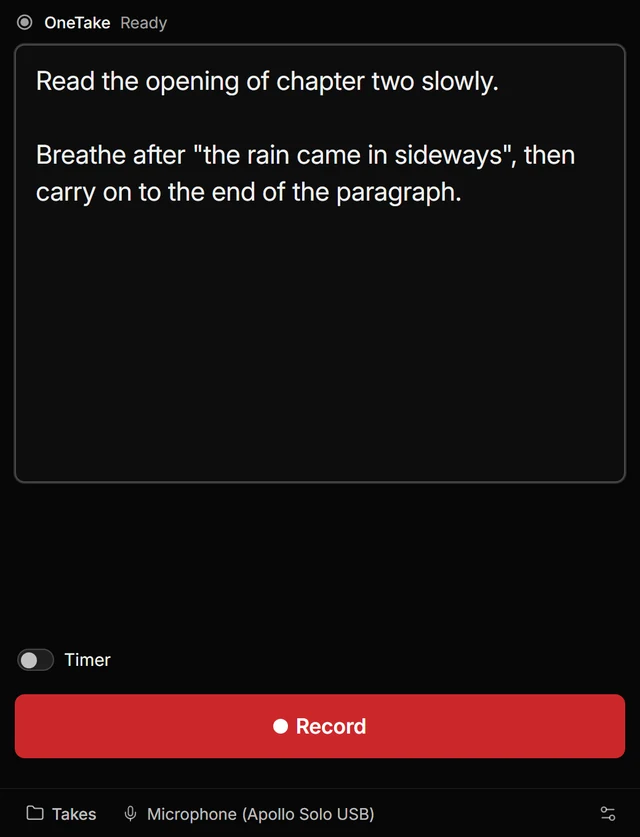
Type a cue to read from, or leave it empty. 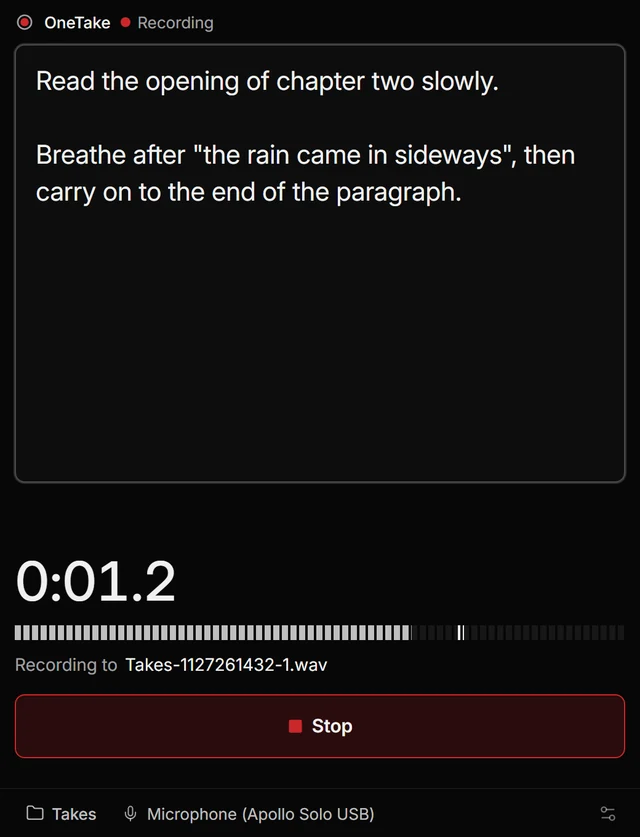
Record with a level meter and the clock in view. 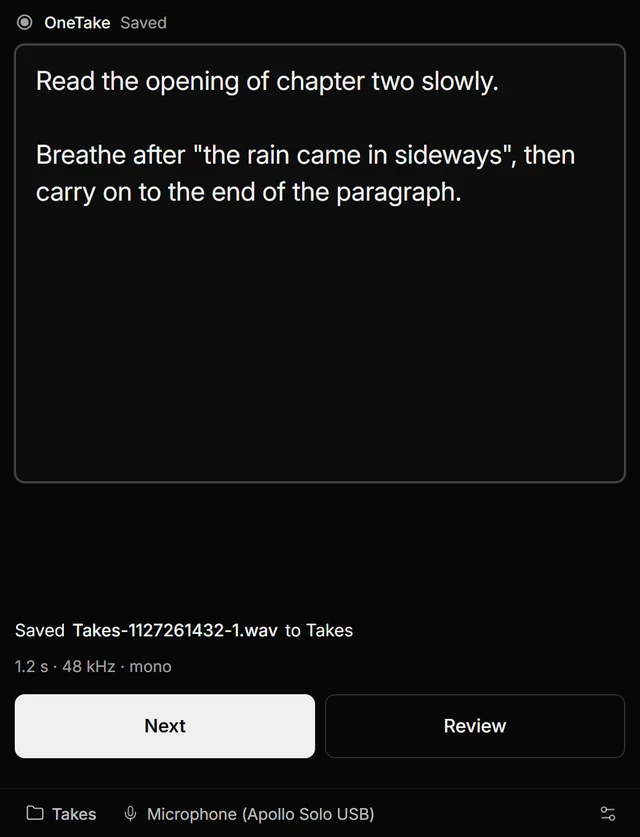
Each take is saved as a 24-bit WAV. Go on to the next or review it. 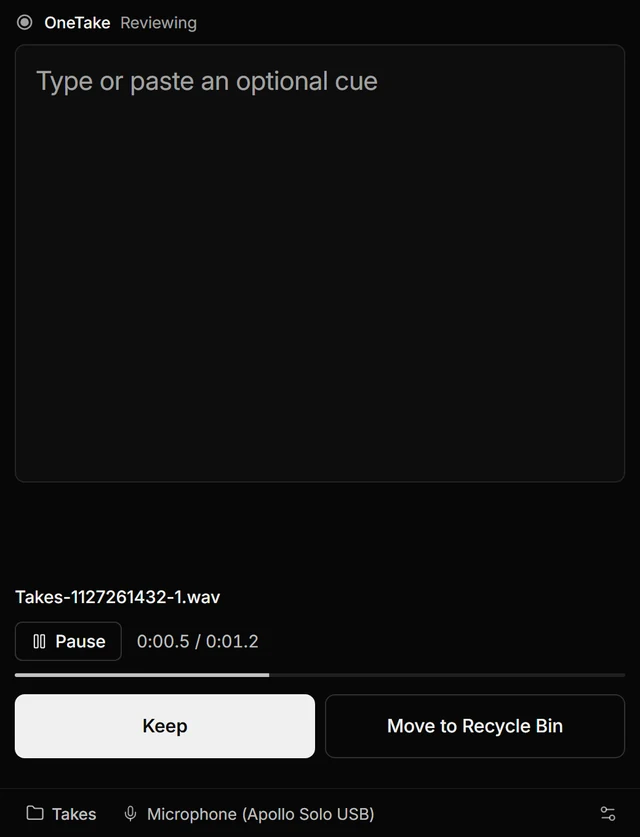
Review plays the take back. Keep it or move it to the Recycle Bin.


Or ask your agent to do it
Use OneTake to record a take for me. Instructions: https://onetakeapp.pages.dev/agent.md
How to get started
- Unzip the download anywhere you like, for example in your Documents folder.
- Open OneTake.exe in the OneTake folder. If Windows shows “Windows protected your PC”, click More info, then Run anyway.
- Confirm the folder for your takes, then press Record or Ctrl+R.